Key Highlights
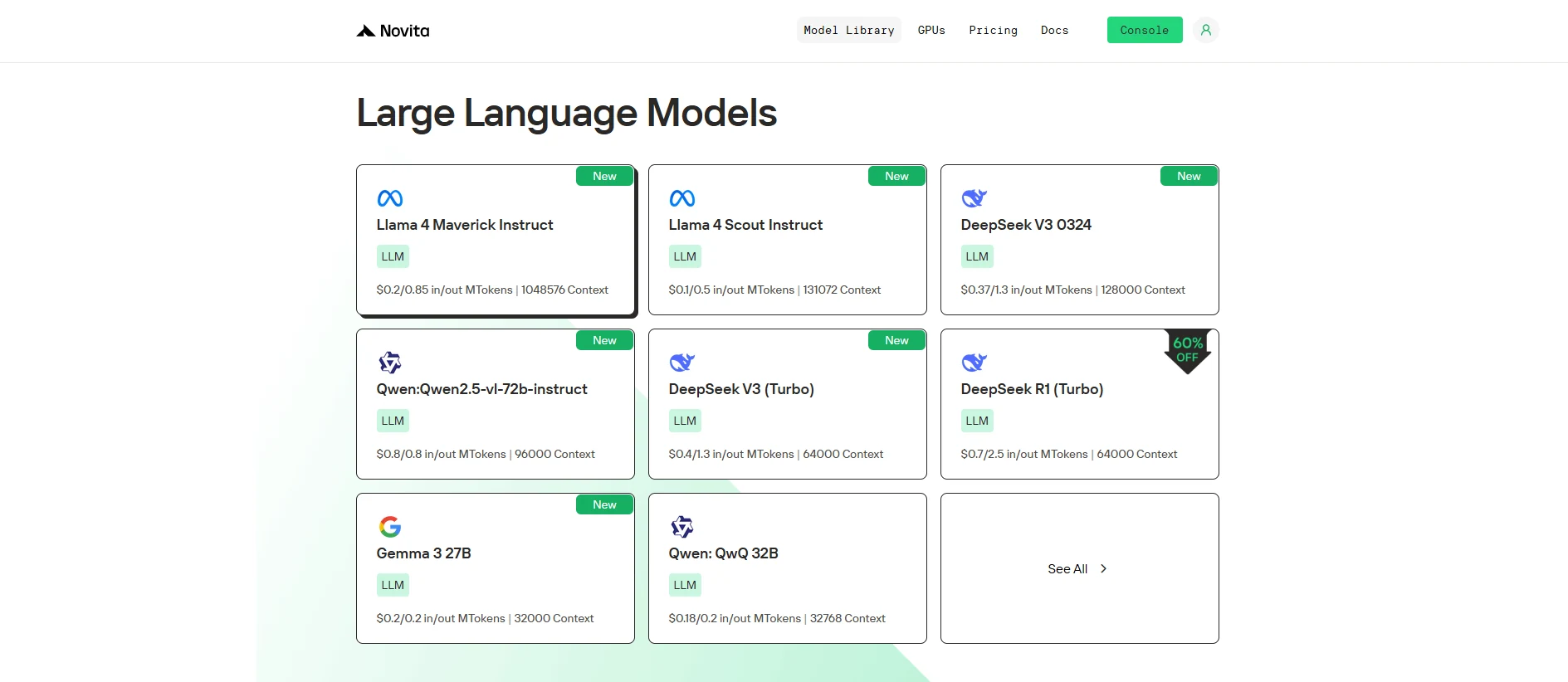
Novita AI has introduced Llama 4 Scout! Moreover, this version fully supports function calling.
If you want to test its performance, start a free trail on Novita AI Playground directly!
Function calling enables LLMs like Llama 4 Scout to perform real-world tasks by integrating with APIs and external tools, transforming natural language commands into actionable outputs.
What is Function Calling?
Function calling represents a pivotal advancement in the capabilities of large language models (LLMs), enabling them to interact with external tools, APIs, and data sources. By converting natural language prompts into structured function calls, LLMs can execute real-world actions, retrieve dynamic information, and perform complex computations beyond their inherent text-generation abilities.
Defining Function Calling
Function calling is a structured method that allows LLMs to interface with external systems by generating executable commands based on user queries. Unlike traditional LLM outputs, which are limited to text generation, function calling enables models to trigger predefined functions with specific parameters, execute those functions through external code, and integrate the results into coherent responses
https://www.youtube.com/watch?v=i-oHvHejdsc&t=429s
How Function Calling Works?
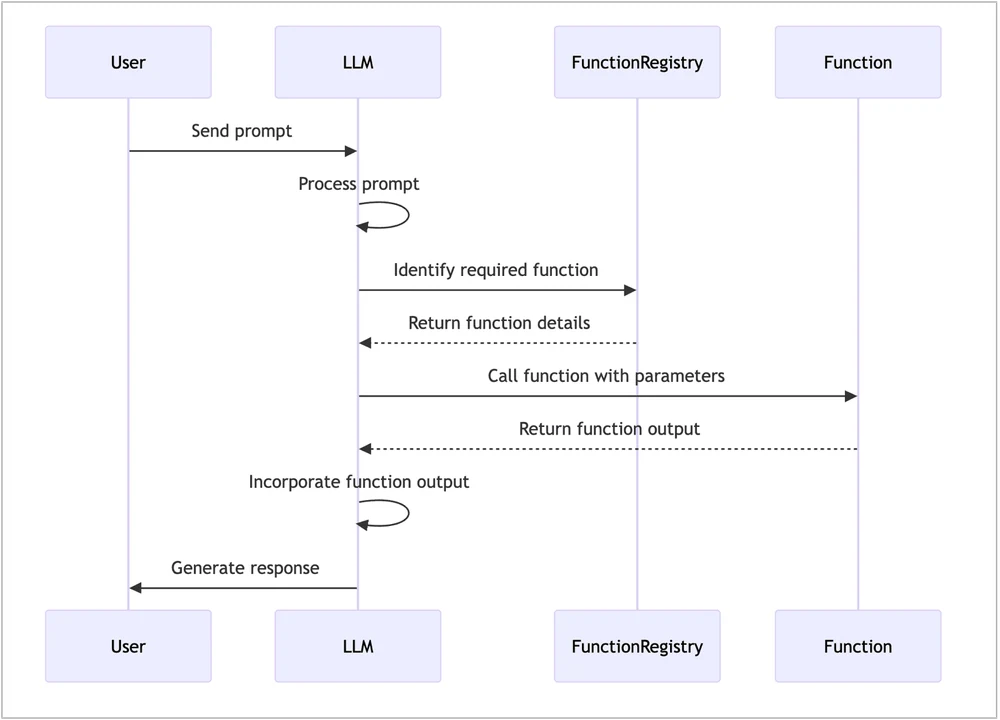
Function calling involves a structured process where a large language model (LLM) interprets user prompts to determine which predefined function to execute and with what parameters. Here’s a simplified overview:
- User Prompt: The user submits a query to the system.
- LLM Interpretation: The LLM analyzes the prompt to identify the appropriate function and parameters.
- Function Execution: The system executes the function with the provided parameters.
- Response Generation: The result is fed back to the LLM, which generates a final response incorporating the output.
Function Calling vs. RAG
| Aspect | Function Calling | Retrieval-Augmented Generation |
|---|---|---|
| Definition | Calls external functions (APIs, databases) for real-time tasks. | Retrieves and synthesizes info from external sources for responses. |
| Use Case | Querying databases, API requests, external tools (e.g., payment). | Q&A systems retrieving data to generate answers. |
| Advantages | - Real-time tasks - Interacts with external systems - Modular systems | - Accesses large knowledge - Efficient for complex queries - Ideal for up-to-date data |
| Purpose | Invokes external systems or services. | Enhances generation using retrieved knowledge. |
| Implementation | Predefined external calls (e.g., APIs). | Retrieves info during the generative process. |
| Flexibility | More flexible for real-time interactions. | Leverages external/internal knowledge for generation. |
How to Use Llama 4 Scout Function Calling via Novita AI
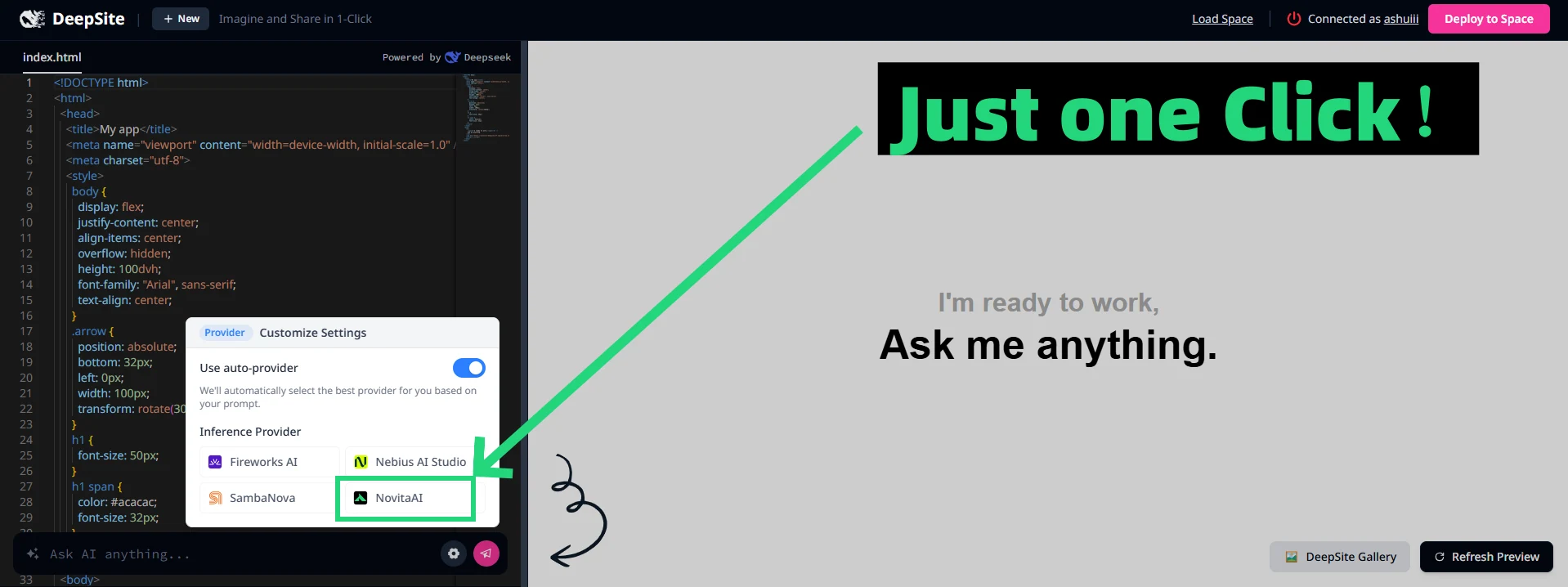
Novita AI has been launched support capability descriptions for each LLM, which you can directly view in the console and docs.
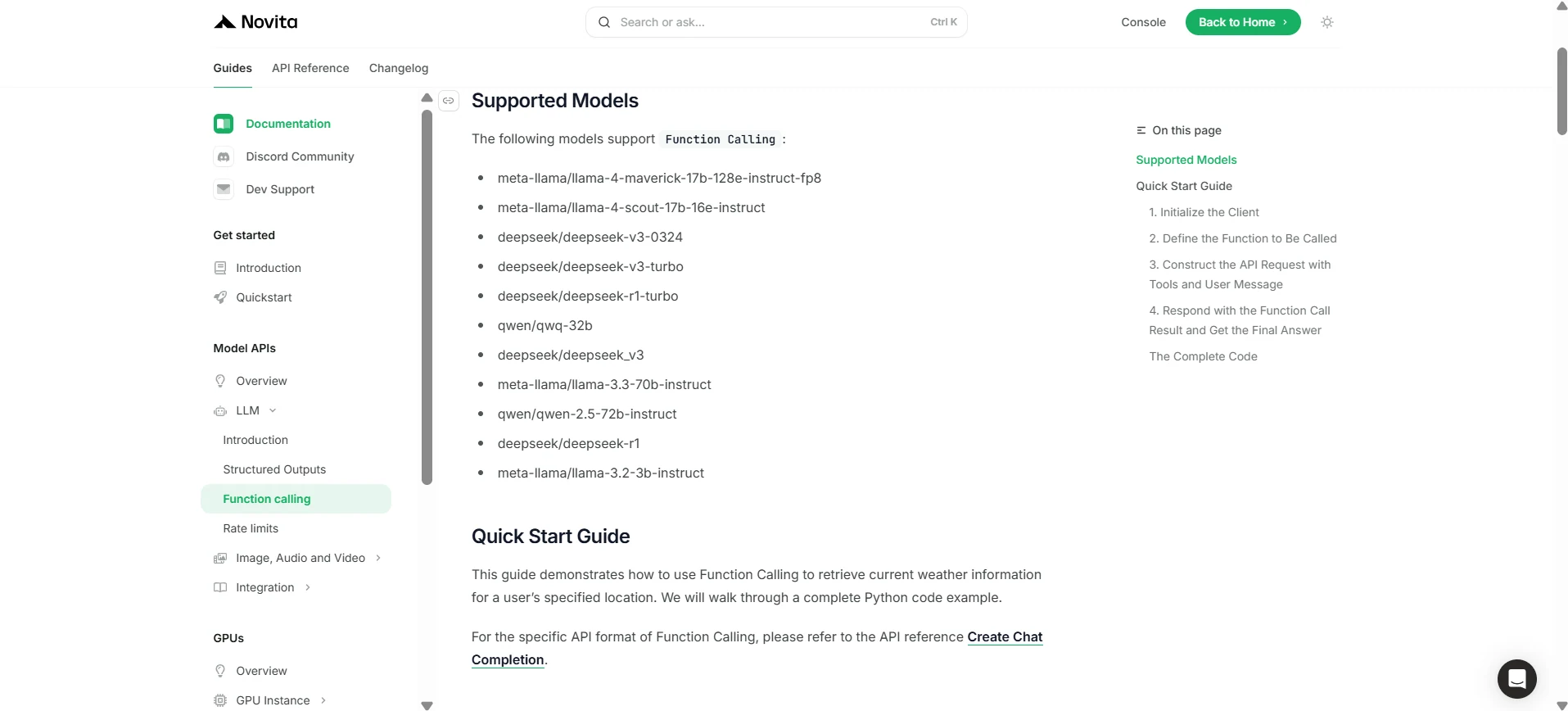
1. Initialize the Client
First, you need to initialize the client with your Novita API key.
from openai import OpenAI
import json

client = OpenAI(
    base_url="https://api.novita.ai/v3/openai",
    # Get the Novita AI API Key from: https://novita.ai/settings/key-management.
    api_key="<YOUR Novita AI API Key>",
)

model = "meta-llama/llama-4-scout-17b-16e-instruct"- Define the Function to Be Called
Next, define the Python function that the model can call. In this example, it’s a function to get weather information.
# Example function to simulate fetching weather data.
def get_weather(location):
    """Retrieves the current weather for a given location."""
    print("Calling get_weather function with location: ", location)
    # In a real application, you would call an external weather API here.
    # This is a simplified example returning hardcoded data.
    return json.dumps({"location": location, "temperature": "60 degrees Fahrenheit"})
2. Construct the API Request with Tools and User Message
Now, create the API request to the Novita endpoint. This request includes the tools parameter, defining the functions the model can use, and the user’s message.
tools = [
    {
        "type": "function",
        "function": {
            "name": "get_weather",
            "description": "Get weather of an location, the user shoud supply a location first",
            "parameters": {
                "type": "object",
                "properties": {
                    "location": {
                        "type": "string",
                        "description": "The city and state, e.g. San Francisco, CA",
                    }
                },
                "required": ["location"]
            },
        }
    },
]

messages = [
    {
        "role": "user",
        "content": "What is the weather in San Francisco?"
    }
]

# Let's send the request and print the response.
response = client.chat.completions.create(
    model=model,
    messages=messages,
    tools=tools,
)

# Please check if the response contains tool calls if in production.
tool_call = response.choices[0].message.tool_calls[0]
print(tool_call.model_dump())
3. Output
{'id': '0', 'function': {'arguments': '{"location": "San Francisco, CA"}', 'name': 'get_weather'}, 'type': 'function'}4. Respond with the Function Call Result and Get the Final Answer
The next step is to process the function call, execute the get_weather function, and send the result back to the model to generate the final response to the user.
# Ensure tool_call is defined from the previous step
if tool_call:
    # Extend conversation history with the assistant's tool call message
    messages.append(response.choices[0].message)

    function_name = tool_call.function.name
    if function_name == "get_weather":
        function_args = json.loads(tool_call.function.arguments)
        # Execute the function and get the response
        function_response = get_weather(
            location=function_args.get("location"))
        # Append the function response to the messages
        messages.append(
            {
                "tool_call_id": tool_call.id,
                "role": "tool",
                "content": function_response,
            }
        )

    # Get the final response from the model, now with the function result
    answer_response = client.chat.completions.create(
        model=model,
        messages=messages,
        # Note: Do not include tools parameter here.
    )
    print(answer_response.choices[0].message)
5. Output
{'id': '0', 'function': {'arguments': '{"location": "San Francisco, CA"}', 'name': 'get_weather'}, 'type': 'function'}With Llama 4 Scout and Novita AI, function calling redefines LLM applications, offering real-time, dynamic solutions for modern needs.
Frequently Asked Questions
What is function calling?
It lets LLMs trigger external tools or APIs to perform tasks and retrieve data.
How does Llama 4 Scout work with function calling?
Llama 4 Scout simplifies real-time system integrations via Novita AI.
Is function calling suitable for real-time needs?
Yes, it’s perfect for tasks like API calls or dynamic data queries.
Novita AI is the All-in-one cloud platform that empowers your AI ambitions. Integrated APIs, serverless, GPU Instance — the cost-effective tools you need. Eliminate infrastructure, start free, and make your AI vision a reality.



