Hermes Agent is an open-source autonomous agent by Nous Research. It is not a coding copilot tethered to an IDE or a chatbot wrapper around a single API. It lives on your server, remembers what it learns, and gets more capable the longer it runs. That is what it means to have an agent that grows with you.
The catch is that self-hosting requires a server that stays on. Novita AI’s Hermes sandbox template takes care of that. There is no provisioning and no dependency management. You have a running agent in minutes.
Key features of Hermes Agent
Lives where you do. Telegram, Discord, Slack, WhatsApp, Signal, Email and CLI, all from a single gateway process. Start on one platform and pick up on another.
Grows the longer it runs. Persistent memory and auto-generated skills mean Hermes learns your projects and never forgets how it solved a problem.
Model-agnostic. Connect to Nous Portal, OpenRouter or any OpenAI-compatible API, including more than 200 models on Novita AI. Switch providers with hermes model — no code changes, no lock-in.
Scheduled automations. Natural language cron scheduling for reports, backups and briefings, running unattended through the gateway.
Delegates and parallelizes. Isolated subagents with their own conversations, terminals and Python RPC scripts for zero-context-cost pipelines.
Full web and browser control. Web search, browser automation, vision, image generation, text-to-speech and multi-model reasoning.
More than 40 built-in tools. Web search, terminal, file system, browser automation, vision, image generation, text-to-speech, code execution, subagent delegation, memory, task planning, cron scheduling, multi-model reasoning and more.
Research-ready. Batch trajectory generation with parallel workers and checkpointing. Atropos integration for RL training. Export to ShareGPT for fine-tuning with trajectory compression.
What is Novita Agent Sandbox?
Novita Agent Sandbox is a secure, programmable runtime for AI agent execution. Instances launch in under 200 milliseconds in fully isolated environments. Supported capabilities include code execution, network access, browser use and session persistence.
Pricing is billed per second by vCPU and memory, with no plans and no lock-ins. See sandbox pricing.
The Hermes sandbox template comes with all Hermes dependencies pre-installed.
How to deploy Hermes Agent on Novita Sandbox
Prerequisites
- A Novita AI account and API key (get yours from the Novita Console)
- Python 3 on your local machine
- A model to connect to (browse options at novita.ai/models)
Step 1: Install the Novita Sandbox SDK
sudo apt install python3 python-is-python3 python3-pip

pip install --pre novita-sandbox
Step 2: Launch the Hermes sandbox template
Save the following as main.py, replacing YOUR_API_KEY with your actual key:
from novita_sandbox.core import Sandbox

template_id = 'hermes'
api_key="YOUR_API_KEY"

metadata = {
        "auto_resume": "true",
        "idle_timeout": "600"
}

def main():
    sbx = Sandbox.create(
        template=template_id,
        auto_pause=True,
        metadata=metadata,
        api_key=api_key,
    )

    web_terminal_host = sbx.get_host(7681)
    print(f"web terminal address: https://{web_terminal_host}")

if __name__ == "__main__":
    main()
Run it:
python main.pyYou will get a web terminal URL in this format:
https://7681-xxxxxxxxxxxxxxxxxxxxxx-yyyyyyyy.sandbox.novita.ai/Open that URL in your browser.
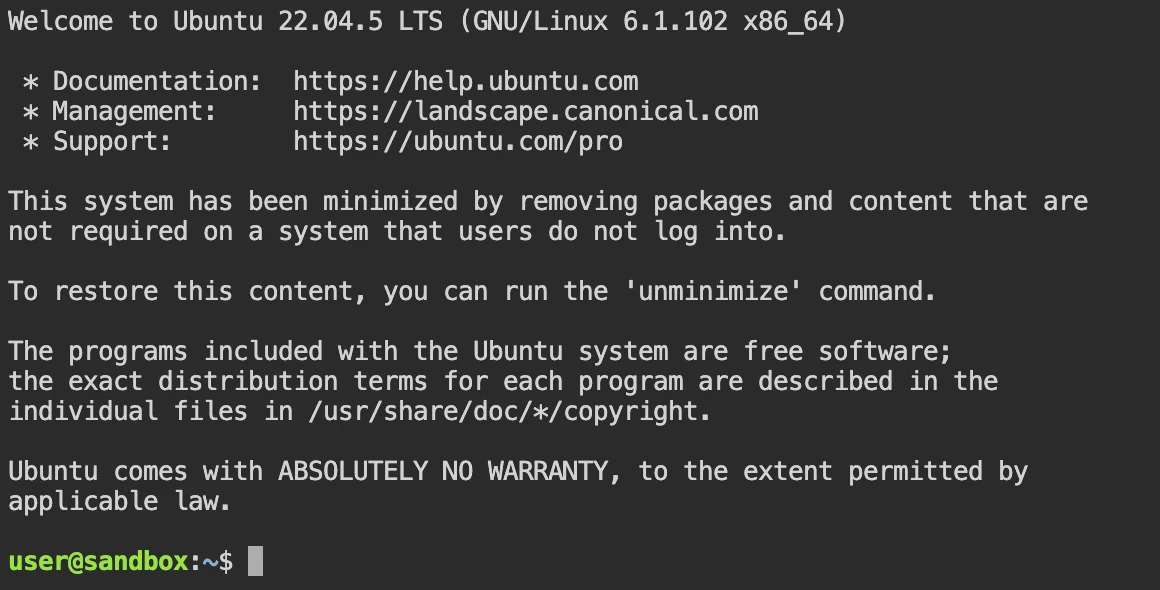
Step 3: Log in to the web terminal
At the login prompt, enter:
- Username:
admin - Password:
admin
The default shell user is user with no password set. It is worth running passwd to set one before continuing.
Step 4: Configure Hermes
hermes setup
Select “Quick setup - provider, model & messaging (reconmmended)”.

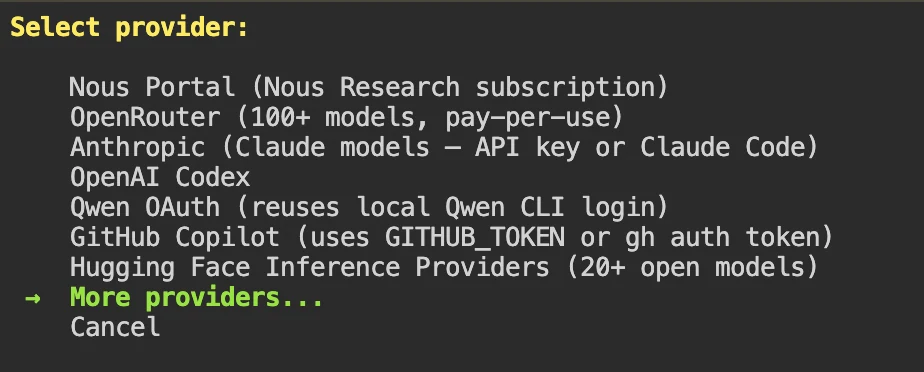
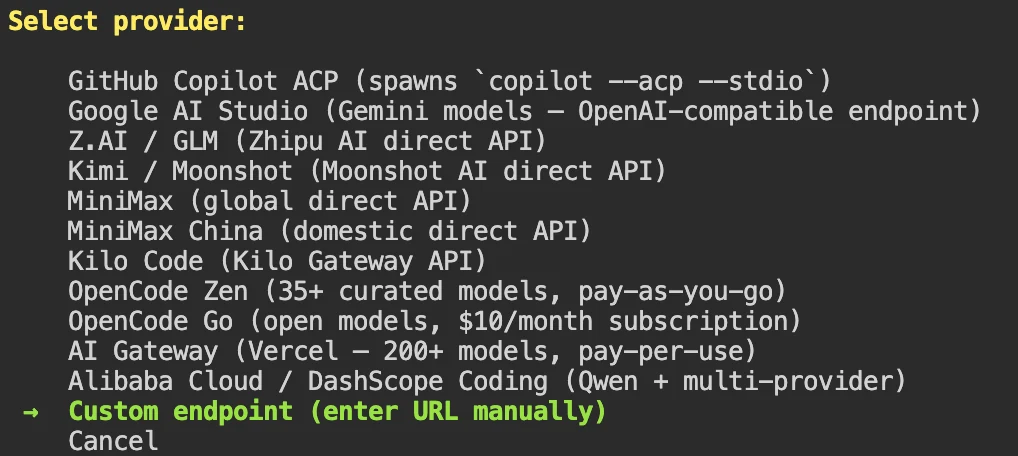
Provider selection:
- Select “More providers…”
- Select “Custom endpoint (enter URL manually)”
- Enter your credentials:
- Base URL:
https://api.novita.ai/openai - API Key: your Novita API key
- Model: enter the model id from novita.ai/models. If you are unsure of the context length, press Enter to skip.
- Base URL:
Messaging:
The wizard will offer to configure a messaging client like Telegram. Skip it for now and follow the official messaging docs once the core agent is running.

When asked if you want to launch the TUI chat window, select Y to verify your setup.
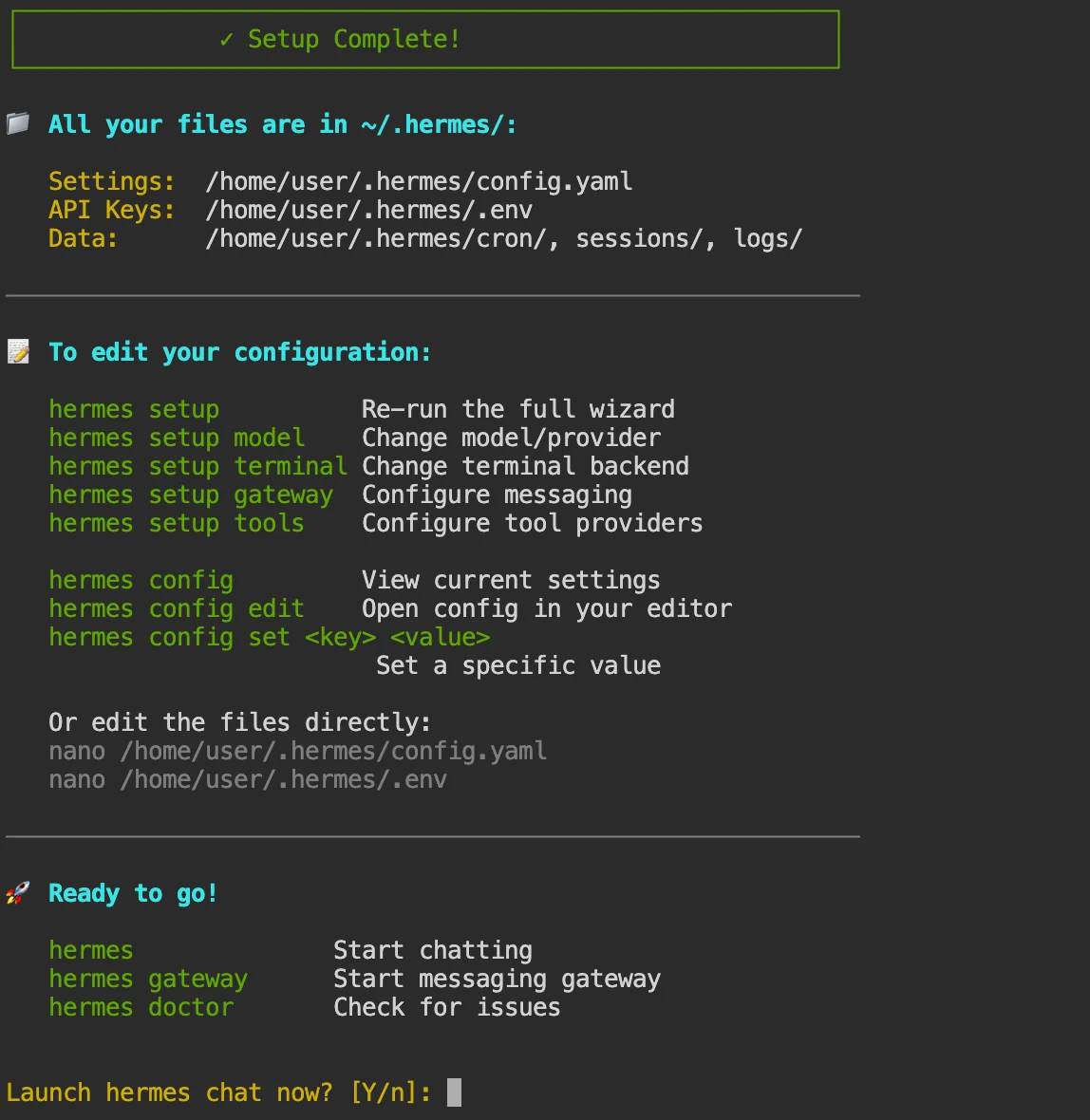
Step 5: Install the gateway service
By default, the gateway service is not installed after setup. Exit the chat window first:
/exitThen install and start it:
hermes gateway install
hermes gateway restart
The gateway keeps Hermes running in the background, accessible outside the TUI.
Step 6: Start chatting
Re-enter the chat window with:
hermes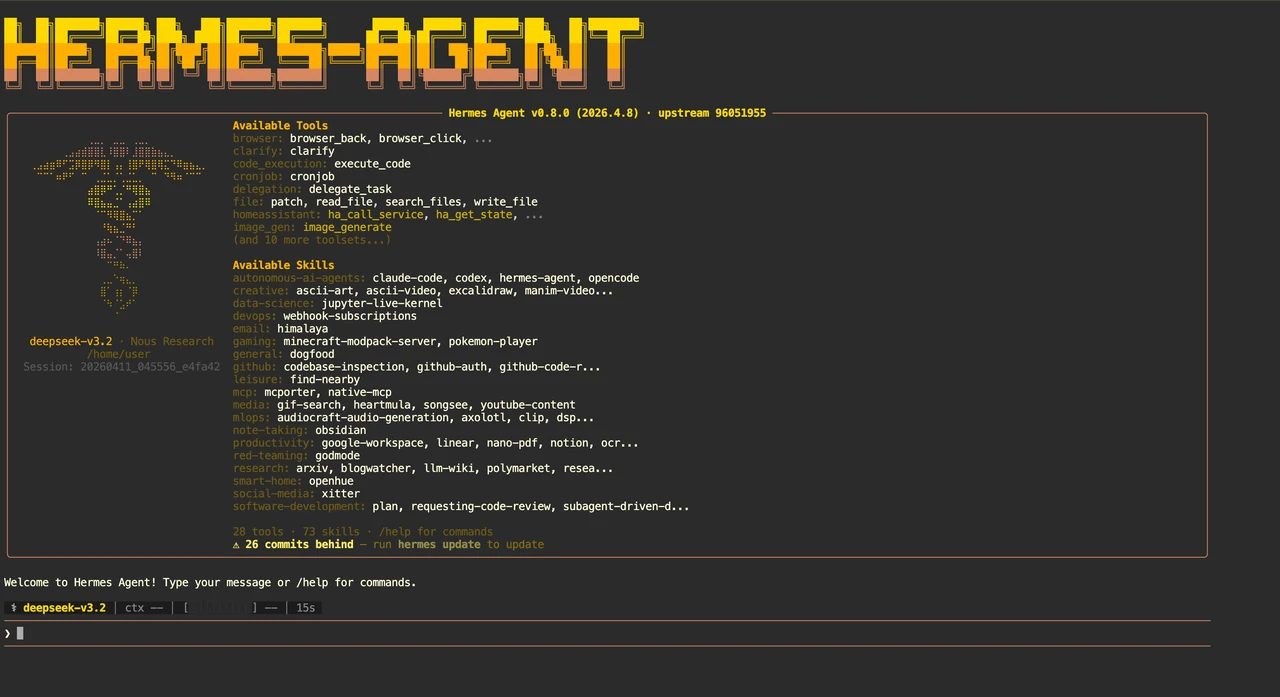
Run an agent that gets smarter every day
Hermes Agent is built around a simple idea: the longer it runs, the more useful it becomes. Persistent memory, self-improving skills and multi-platform access make it a personal agent that compounds over time, not a tool you have to re-explain every session.
Running it requires a server that stays on. Novita AI’s Hermes sandbox template removes that friction. You get a production-ready environment with no setup overhead, billed only for actual compute.
Novita AI is an AI & agent cloud platform helping developers and startups build, deploy, and scale models and agentic applications with high performance, reliability, and cost efficiency.