Kimi K2 has recently become a hot topic in the AI world, with many developers eager to integrate its powerful capabilities into their applications. But with several API providers offering access to Kimi K2, it can be difficult to know which one will best meet your needs. This article compares the top providers from different perspectives—speed, cost, features, and more—to help you make an informed choice.
| Context window | Input Price(USD per 1M Tokens) | Out price(USD per 1M Tokens) | Output Tokens Speed | Latency | End-to-End Response Time | Function Calling | Json mode | |
| Novita AI | 131k | 0.57 | 2.3 | 43 | 0.77 | 12.3 | ☑️ | ☑️ |
| Fireworks | 131k | 0.6 | 2.5 | 110 | 0.52 | 5.1 | ☑️ | ☑️ |
| Together AI | 131k | 1 | 3 | 37 | 0.54 | 13.9 | ☑️ | ☑️ |
The Benefits of Using an API
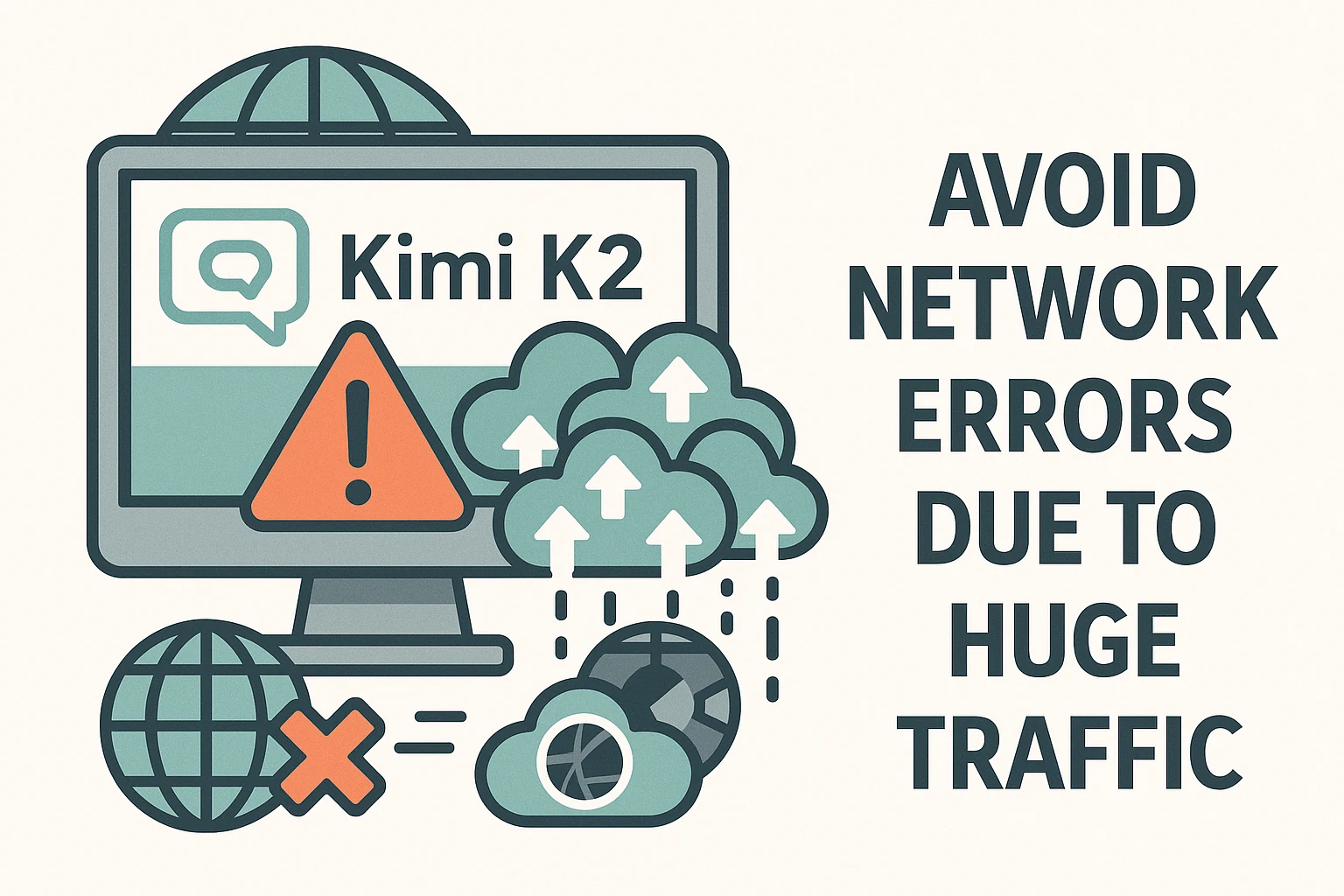
Prevent Network Interruptions from High Traffic
Lately, the Kimi K2 app has encountered disruptions due to a surge in user requests, resulting in occasional downtime and inconsistent performance. This highlights the need to select a reliable API provider to guarantee smooth and uninterrupted access to Kimi K2’s features.
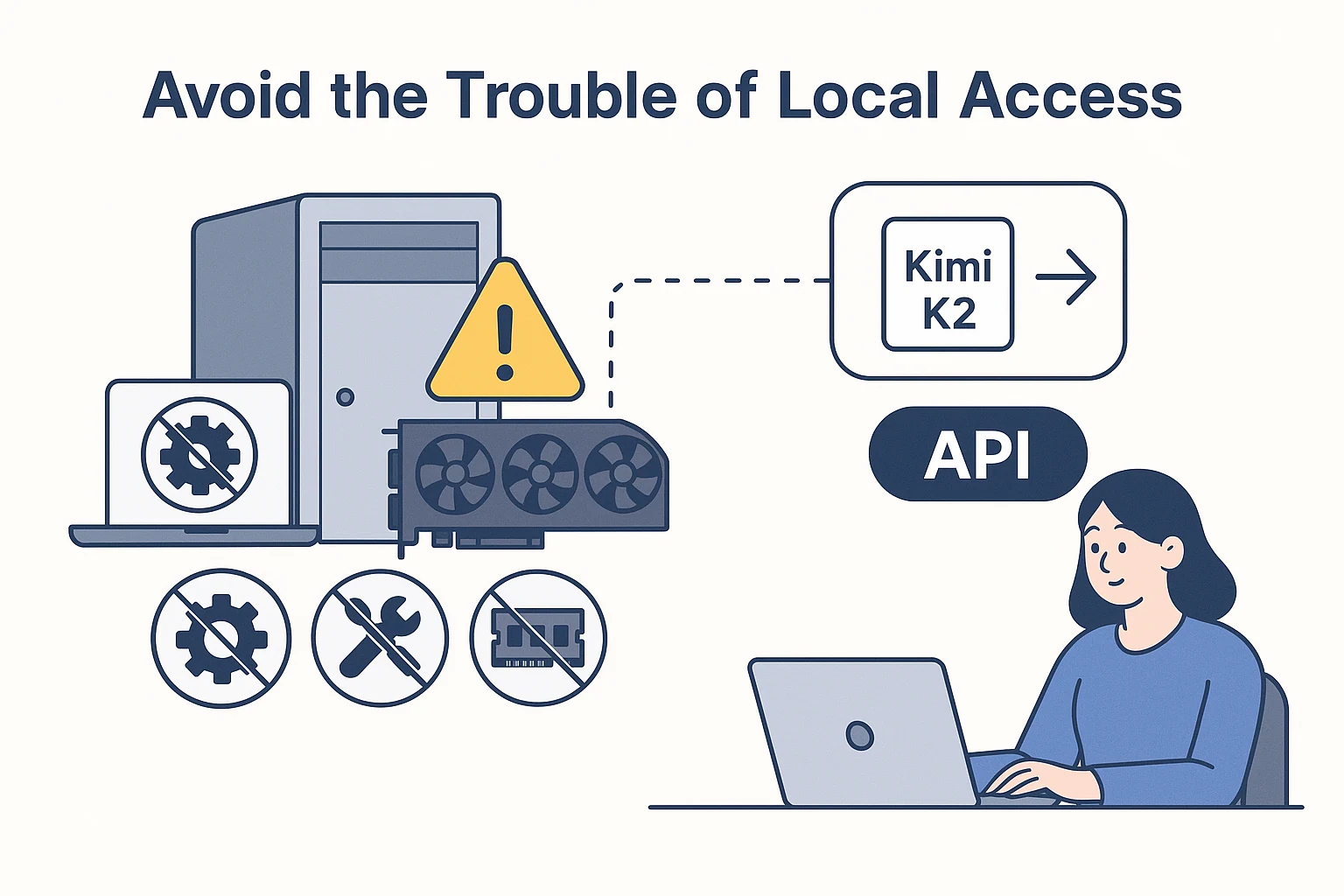
Eliminate the Hassle of Local Deployment
Due to its substantial model size, Kimi K2 poses considerable obstacles for running locally. Operating the model requires advanced hardware, such as top-tier GPUs, which may not be accessible to all users. Utilizing API access allows you to leverage Kimi K2’s full capabilities without the burden of managing hardware, installations, configurations, or memory constraints.
How to Choose an API Provider (4 metrics)
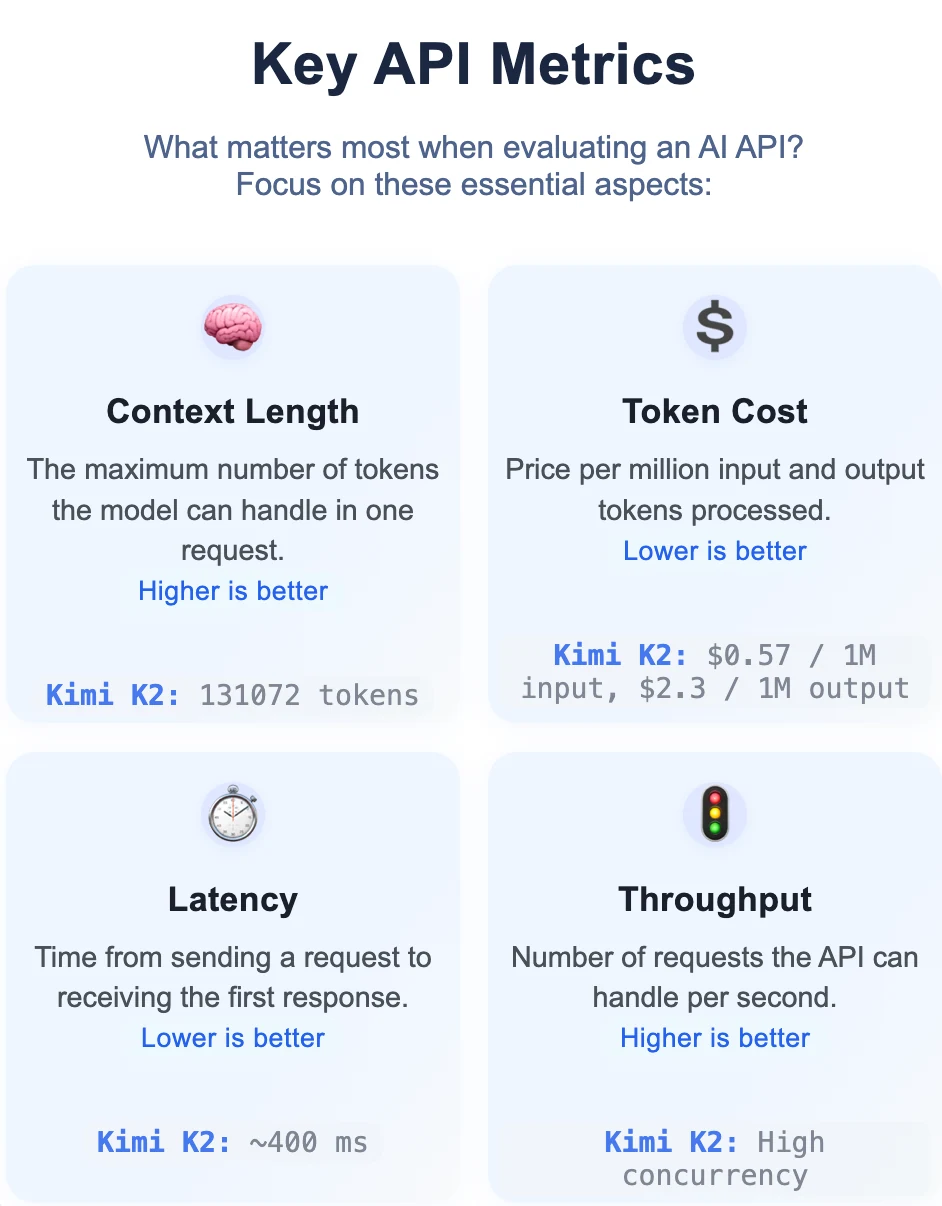
Besides, you can focus on different metrics depending on your uses cases.
| Application Type | Context Length | Token Cost | Latency | Throughput | Notes |
|---|---|---|---|---|---|
| Chatbot / Conversational | ★★★★☆ | ★★★☆☆ | ★★★★★ | ★★★★☆ | Fast response is critical; longer context improves conversation flow. |
| Batch Text Processing | ★★★★★ | ★★★★★ | ★★☆☆☆ | ★★★★★ | Cost and throughput are top priorities for large volumes. |
| Real-Time Translation | ★★★☆☆ | ★★★★☆ | ★★★★★ | ★★★★☆ | Low latency is essential for real-time performance. |
| Document Analysis | ★★★★★ | ★★★★★ | ★★☆☆☆ | ★★★★☆ | Needs large context and low cost for analyzing long documents. |
| Coding Assistant | ★★★★★ | ★★★★☆ | ★★★★☆ | ★★★☆☆ | Big context helps with code history; low latency for good user experience. |
| Content Generation | ★★★★☆ | ★★★★☆ | ★★★☆☆ | ★★★☆☆ | Some context is needed for coherence; cost and quality must be balanced. |
| API Integration | ★★☆☆☆ | ★★★★☆ | ★★☆☆☆ | ★★★★☆ | Requirements depend on integration scenario |
Top 3 API Providers Comparsion
| Context window | Input Price(USD per 1M Tokens) | Out price(USD per 1M Tokens) | Output Tokens Speed | Latency | End-to-End Response Time | Function Calling | Json mode | |
| Novita AI | 131k | 0.57 | 2.3 | 43 | 0.77 | 12.3 | ☑️ | ☑️ |
| Fireworks | 131k | 0.6 | 2.5 | 110 | 0.52 | 5.1 | ☑️ | ☑️ |
| Together AI | 131k | 1 | 3 | 37 | 0.54 | 13.9 | ☑️ | ☑️ |
In summary:
- For the lowest price: Novita AI
- For speed and low latency: Fireworks
- For similar features and context window: Any provider is suitable
Top 3 API Providers of Kimi K2-Novita AI
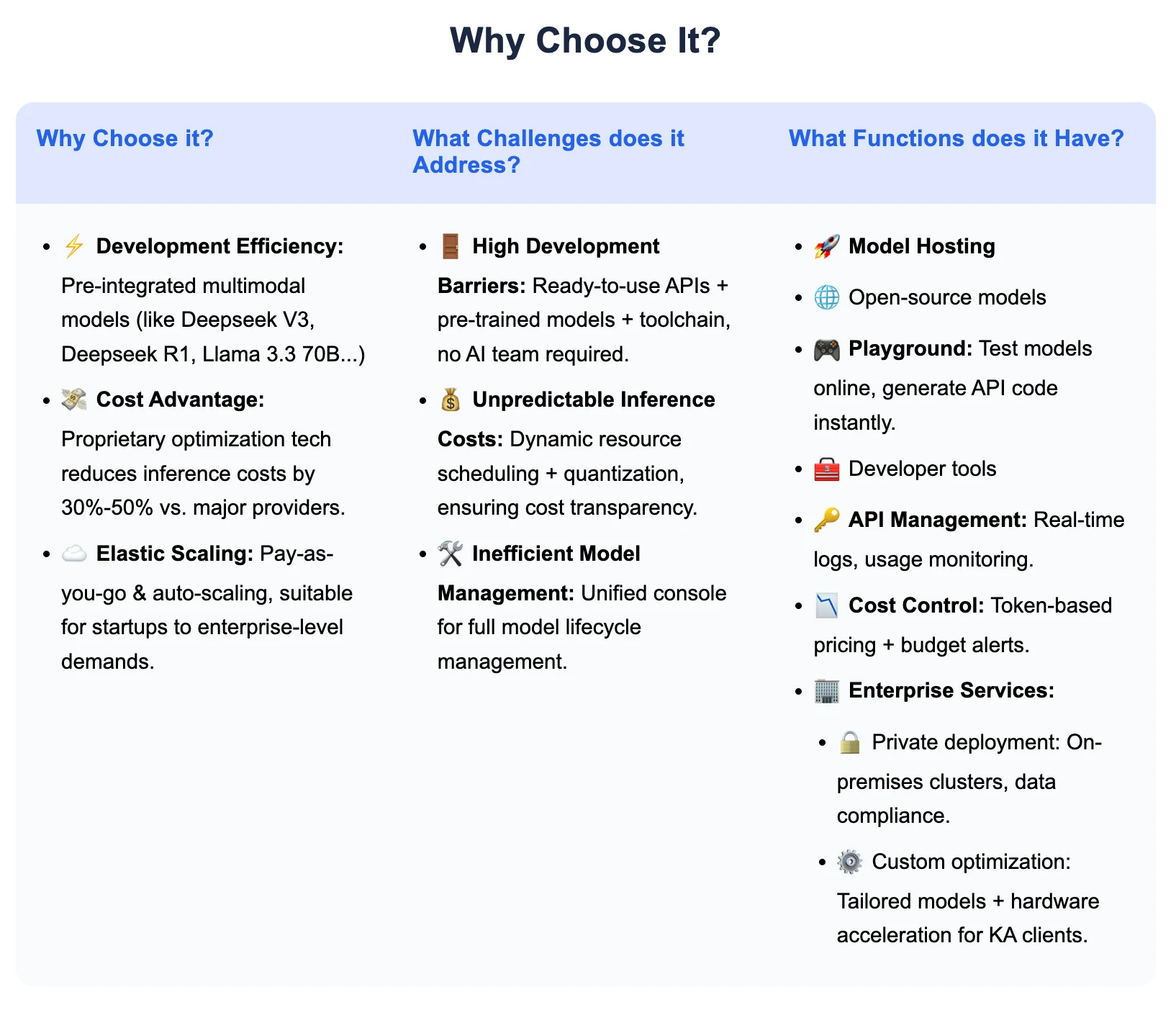
Novita AI is an AI cloud platform that offers developers an easy way to deploy AI models using our simple API, while also providing the affordable and reliable GPU cloud for building and scaling.
Why Choose Novita AI?
How to Access Kimi K2 on Novita AI?
Get API Key
To authenticate with the API, Novita AI provides you with a new API key. Entering the “Settings“ page, you can copy the API key as indicated in the image.

Using CLI like Trae,Claude Code, Qwen Code
If you want to use Novita AI’s top models (like Qwen3-Coder, Kimi K2, DeepSeek R1) for AI coding assistance in your local environment or IDE, the process is simple: get your API Key, install the tool, configure environment variables, and start coding.
For detailed setup commands and examples, check the official tutorials:
- Trae : Step-by-Step Guide to Access AI Models in Your IDE
- Claude Code: How to Use Kimi-K2 in Claude Code on Windows, Mac, and Linux
- Qwen Code: How to Use OpenAI Compatible API in Qwen Code (60s Setup!)
Multi-Agent Workflows with OpenAI Agents SDK
Build advanced multi-agent systems by integrating Novita AI with the OpenAI Agents SDK:
- Plug-and-play: Use Novita AI’s LLMs in any OpenAI Agents workflow.
- Supports handoffs, routing, and tool use: Design agents that can delegate, triage, or run functions, all powered by Novita AI’s models.
- Python integration: Simply set the SDK endpoint to
https://api.novita.ai/v3/openaiand use your API key.
Connect Qwen 3 API on Third-Party Platforms
- Hugging Face: Use Kimi K2 in Spaces, pipelines, or with the Transformers library via Novita AI endpoints.
- Agent & Orchestration Frameworks: Easily connect Novita AI with partner platforms like Continue, AnythingLLM,LangChain, Dify and Langflow through official connectors and step-by-step integration guides.
- OpenAI-Compatible API: Enjoy hassle-free migration and integration with tools such as Cline and Cursor, designed for the OpenAI API standard.
Top 3 API Providers of Kimi K2-Fireworks
Fireworks AI stands at the forefront of generative AI, giving developers the tools to seamlessly embed advanced AI features into their products.
Why Choose it?
- Exceptional Speed and Performance:
Fireworks AI achieves up to 4 times lower latency and 20 times better throughput than competing platforms, powered by NVIDIA GPUs on AWS. - Optimized Cost Structure:
By refining model inference and fine-tuning workflows, Fireworks AI helps users minimize operational expenses. - Versatile Model Support:
With a library of 100+ cutting-edge models across diverse modalities, users can easily tailor models to their needs via fine-tuning.
Key Features
- Comprehensive API Access:
Developers can integrate AI models into apps via a REST API, with support for text, image, audio, and more. - Fast & Flexible Fine-Tuning:
Ultra-fast LoRA-based fine-tuning lets users adapt models rapidly to their specific requirements. - Advanced Inference Optimization:
Proprietary technologies such as FireAttention ensure optimized, high-quality inference with minimal latency.
How to Access Kimi K2 through it?
import requests
import json

url = "https://api.fireworks.ai/inference/v1/chat/completions"
payload = {
  "model": "accounts/fireworks/models/kimi-k2",
  "max_tokens": 16384,
  "top_p": 1,
  "top_k": 40,
  "presence_penalty": 0,
  "frequency_penalty": 0,
  "temperature": 0.6,
  "messages": [
    {
      "role": "user",
      "content": "Hello, how are you?"
    }
  ]
}
headers = {
  "Accept": "application/json",
  "Content-Type": "application/json",
  "Authorization": "Bearer <API_KEY>"
}
requests.request("POST", url, headers=headers, data=json.dumps(payload))
Top 3 API Providers of Kimi K2-Together AI
Together AI is a leading provider of AI solutions, empowering developers to build, fine-tune, and deploy generative AI models efficiently.
Why Choose Together AI?
- Accelerated Inference:
Together AI’s platform significantly speeds up AI inference, often delivering two to three times the performance while cutting hardware requirements in half. - Cost Savings:
The service offers more affordable pricing than conventional cloud providers, making advanced AI solutions more reachable. - Deployment Versatility:
Both serverless and dedicated deployment options are available, enabling dynamic and scalable solutions.
Key Features
- Simple API Integration:
User-friendly APIs make it easy to embed AI into applications, whether using serverless or dedicated infrastructure. - Comprehensive Fine-Tuning:
Supports both full fine-tuning and LoRA methods to adapt models for specific use cases. - Advanced GPU Clusters:
Offers access to high-performance GPU resources—including GB200, H200, and H100—for large-scale training workloads.
How to Access Kimi K2 through it?
from together import Together

client = Together()

response = client.chat.completions.create(
    model="deepseek-ai/kimi-k2",
    messages=[{"role": "user", "content": "What are some fun things to do in New York?"}],
)
print(response.choices[0].message.content)
Choosing the right API provider for Kimi K2 depends on what matters most to you. If you want the lowest price, Novita AI stands out. If you need the fastest response and highest speed, Fireworks is the best option. All major providers support key features like a large context window and function calling. Review your priorities and use this comparison to find the provider that fits your project best.
Frequently Asked Questions
Why is Kimi K2 so popular right now?
Kimi K2 offers cutting-edge performance and advanced features, making it a favorite among developers and businesses.
What should I consider when choosing an API provider?
Look at price, speed, latency, available features, and support for the Kimi K2 model.
Are all providers equally reliable?
While all major providers are reliable, their pricing, speed, and feature sets vary. Use the comparison in this article to find the best fit for your needs.
Novita AI is the All-in-one cloud platform that empowers your AI ambitions. Integrated APIs, serverless, GPU Instance — the cost-effective tools you need. Eliminate infrastructure, start free, and make your AI vision a reality.



