• Model APIs
  • GPUs
    • GPU Instance
    • GPU BareMetal
  • Agent Sandbox
  • Resources
    • Docs
    • Blog
    • Careers
  • Pricing

Start building

Novita
Novita
  • Model APIs
  • GPUs
    • GPU Instance
    • GPU BareMetal
  • Agent Sandbox
  • Resources
    • Docs
    • Blog
    • Careers
  • Pricing
  • Model APIs
  • GPUs
    • GPU Instance
    • GPU BareMetal
  • Agent Sandbox
  • Resources
    • Docs
    • Blog
    • Careers
  • Pricing

Start building

Novita
Novita
  • Model APIs
  • GPUs
    • GPU Instance
    • GPU BareMetal
  • Agent Sandbox
  • Resources
    • Docs
    • Blog
    • Careers
  • Pricing
English Arabic 简体中文 繁體中文 Français Deutsch ✓ 日本語 한국어 Português Русский Español

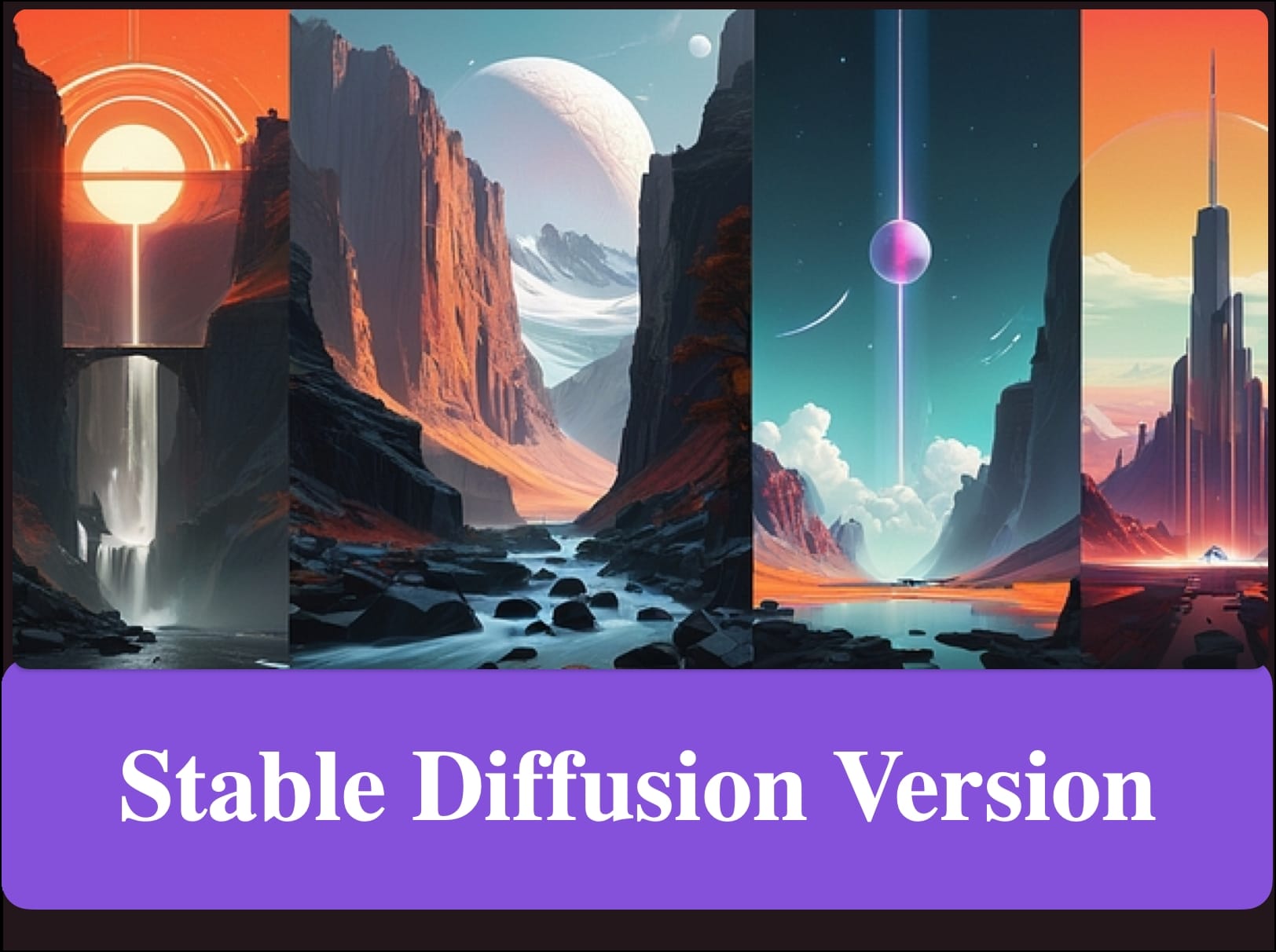
So überprüfen Sie die Stable Diffusion Version

Von Novita AI / 22. Januar 2024 / Image / 1 Minuten Lesezeit
So überprüfen Sie die Stable Diffusion Version

Diese alte Novita AI Blog-URL bleibt erhalten, um historische Links nach der Seitenmigration funktionsfähig zu halten.

Aktuelle Produktupdates, Entwicklerleitfäden und API-Ressourcen finden Sie in den neuesten Artikeln im Novita AI Blog oder auf Novita AI.
Ähnliche Beiträge

Qwen Image Edit Kurzanleitung zum Bearbeiten von Bildern mit Textanweisungen

Qwen Image Edit Kurzanleitung zum Bearbeiten von Bildern mit Textanweisungen

Qwen Image Text-to-Image: Schnellstart zur Generierung von Bildern aus Prompts

Qwen Image Text-to-Image: Schnellstart zur Generierung von Bildern aus Prompts

Hunyuan Image 3 API auf Novita AI: Leitfaden zur Text-zu-Bild-Generierung

Hunyuan Image 3 API auf Novita AI: Leitfaden zur Text-zu-Bild-Generierung

FLUX.1 Kontext Pro vs. Max vs. Dev auf Novita AI

FLUX.1 Kontext Pro vs. Max vs. Dev auf Novita AI

LLM Playground öffnen

Neueste Beiträge

  • Stellen Sie den Hermes Agent in Minuten mit der Novita Sandbox-Vorlage bereit
  • NovitaClaw: Führen Sie OpenClaw mit einem einzigen Befehl in der Cloud aus
  • KI-Agenten-Muster: Planung, Werkzeugnutzung, Codeausführung und Bewertung
  • Cline vs. Cursor: Welcher Coding-Agent passt zu deinem Workflow?
  • Claude in PyCharm verwenden: JetBrains Claude Agent, Claude Code und Novita AI
Als bevorzugte Quelle bei Google hinzufügen →

Everything you need to build production AI.
200+ models, on-demand GPUs, and secure agent runtimes — unified under one API. Free to start, scales as you grow.

Get started   >

Power your AI applications with Novita AI's model APIs, GPU instances, and agent sandbox.
Product

Model APIsAgent SandboxGPU InstanceGPU Bare Metal

RESOURCES

Talk To SalesContact SupportPricingDocs

Partners

Refer to EarnSupply GPUs

Company

CareersBlogTrust Center

© 2026 Novita AI. All rights reserved
Terms of ServicePrivacy Policy